Meeting Services
Set up your conferencing service, operate managed meetings, and offer self-service scheduling
Set up your conferencing service

Templating and tiering ensure the right meeting experience for every user, every time
Different scenarios require different meeting types. All-hands meetings, where the board presents to the company, should behave very differently from team huddles, for example.
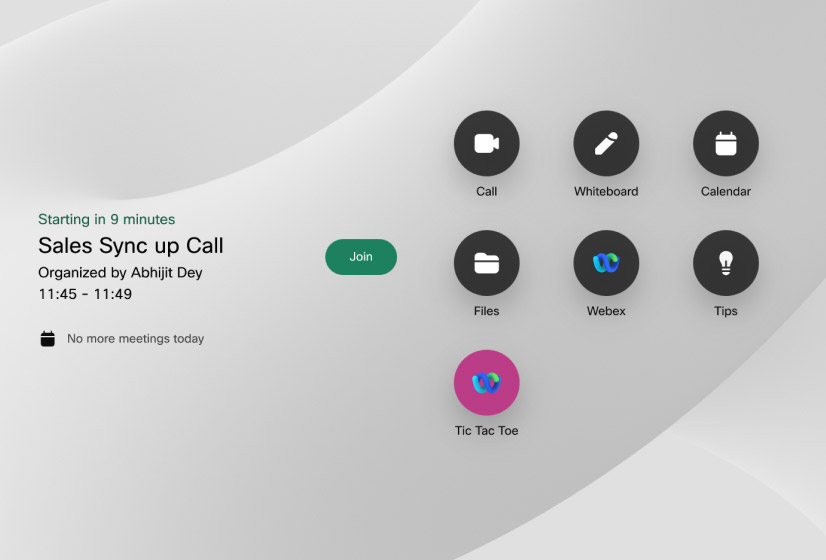
Deploy Cisco One Button to Push (OBTP) in self-hosted environments
Meeting Services enables you to deploy OBTP on Cisco video devices that can’t be registered to cloud services, such as Webex Control Hub.

Fine-tune your meetings
Do you require a waiting lobby? Will the meeting continue if the host leaves, and how long for? Do you want ‘join’ and ‘leave’ tones to be played?
Configure all of this and more for each meeting space template.
Secure your meetings
Protect sensitive meetings with comprehensive security controls, including:
- Passcode protection
- Limited-duration meeting spaces for one-time calls
- Waiting lobbies
- Ability to disable recording
Granular user permissions settings, which can be linked to your Active Directory/LDAP system, control users’ access to specific meeting space templates, product features, Cisco Meeting Servers, other users, and meetings.
Deliver managed conferencing at scale
Meeting Services gives operators powerful scheduling and meeting-management controls, so they can ensure your most important conferences go to plan.
Schedule meetings in white-glove environments
Operators can schedule one-off or recurring meetings, using pre-defined meeting space templates
Oversee large numbers of meetings
On a single screen, operators can view and manage up to 50 active meetings across all your Cisco Meeting Server clusters.
Keep everything running smoothly, with video snapshots, participant-level data, and granular meeting controls, which include:
- Add or remove participants
- Move people between meetings
- Rename participants
- Set participant importance
- See who’s speaking
- Adjust audio and video settings, including pane placement and video layout
Run complex and sophisticated meetings on Cisco Meeting Server
Operate high-stakes or multi-room calls on your CMS, such as incident responses, or multi-track conferences.
These capabilities are part of VQ Conference Manager’s Advanced Conferencing Center.
Provide self-service scheduling for end users
If you choose not to use Outlook for meeting scheduling, Meeting Services includes a self-service portal for users to book their meetings.
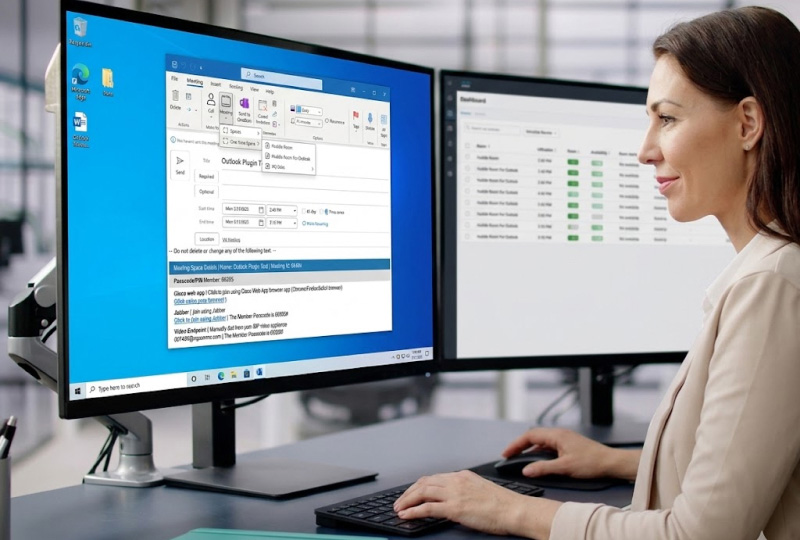
Discover how Meeting Services will accelerate setup of your conferencing service, support managed meetings, and provide self-service scheduling